Slack Plugin
Automatically send Slack notifications for logs meeting configurable thresholds, and learn how to build your own Nebula Logger plugins.
The optional Slack plugin (beta) leverages the Nebula Logger plugin framework to automatically send Slack notifications for logs that meet a configurable logging level threshold. Beyond its practical utility, the plugin serves as a fully-functioning example of how to build your own plugins for Nebula Logger.
What It Does
When enabled and configured, the Slack plugin monitors your logs and automatically posts notifications to a configured Slack channel or user whenever a log entry reaches your specified logging level. This allows you to stay informed of critical issues without manually reviewing the Logger console.
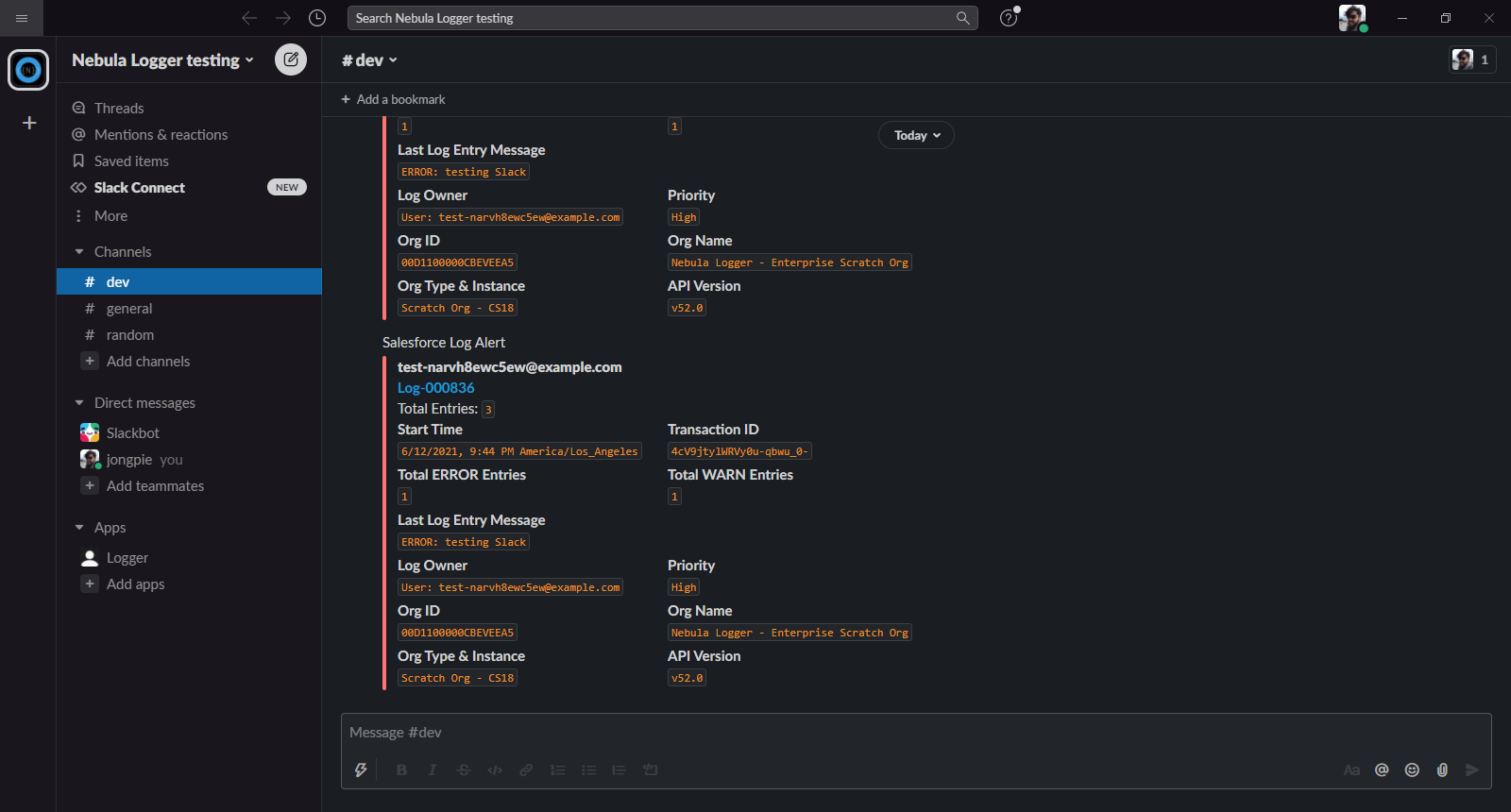
What You’ll Learn
The Slack plugin demonstrates several key patterns for extending Nebula Logger:
- Apply custom Apex logic to
Log__candLogEntry__crecords within the plugin framework - Add custom fields and list views to Logger’s objects to support your plugin’s functionality
- Extend permission sets to include field-level security for your custom fields, ensuring proper access control
- Leverage the
LoggerSObjectHandlerPluginParameter__mdtmetadata type to store and manage plugin configuration, making your plugins configurable without code changes
Getting Started
To install and customize the Slack plugin for your environment:
- Review the Slack plugin repository for installation instructions and customization options
- Deploy the plugin to your Salesforce org
- Configure the logging level threshold and Slack webhook/connection details in the plugin’s custom metadata records
- Test by creating logs at your configured level and verifying Slack notifications arrive as expected
Adapted from the Nebula Logger wiki, © Jonathan Gillespie and contributors, MIT License.